
Template Information
Dashboard Overview
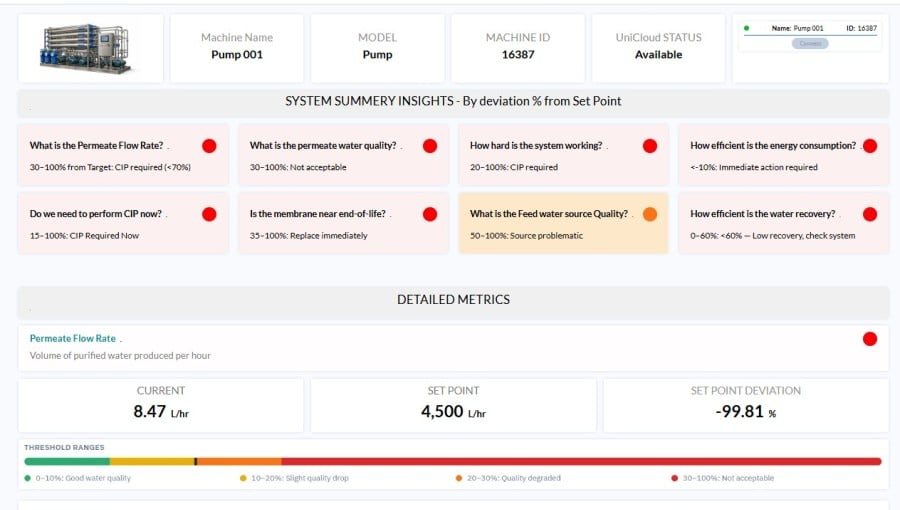
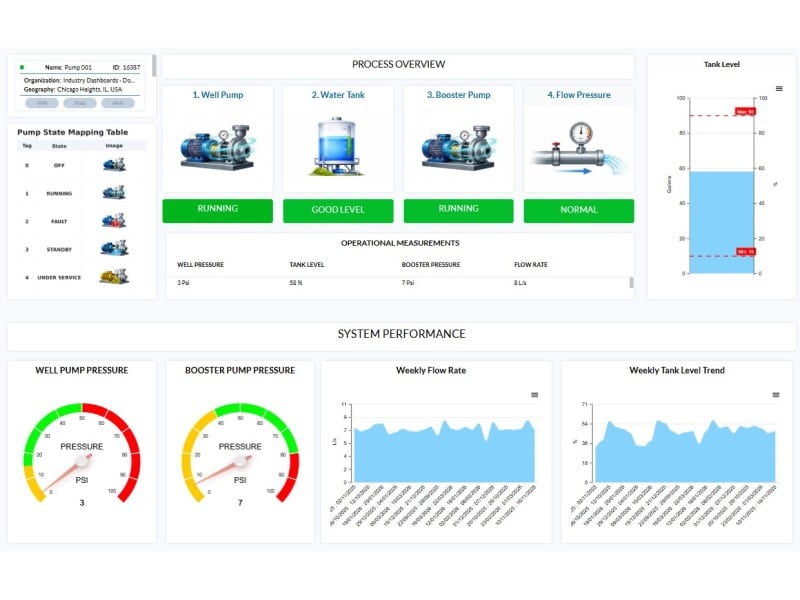
The Water Booster Station dashboard provides a comprehensive, real-time view of the water supply process, combining process visualization with operational data. It monitors the full flow—from water intake through storage to pressure boosting and distribution—while clearly presenting the operational state of each stage (Well Pump, Tank, Booster Pump, and Flow).
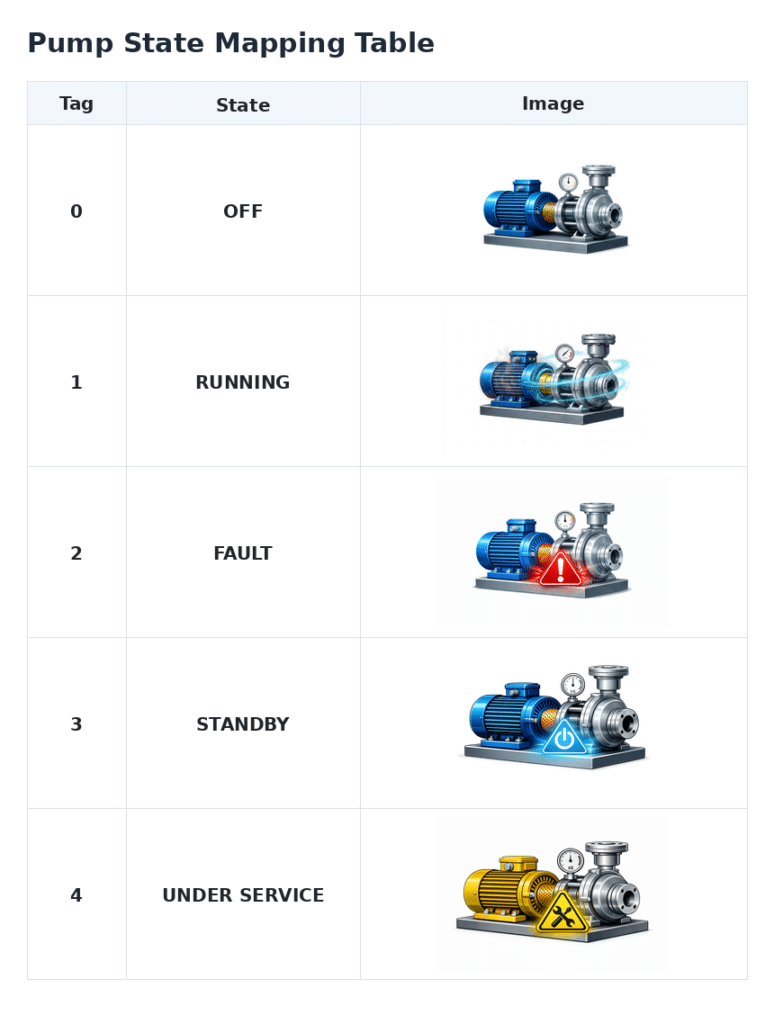
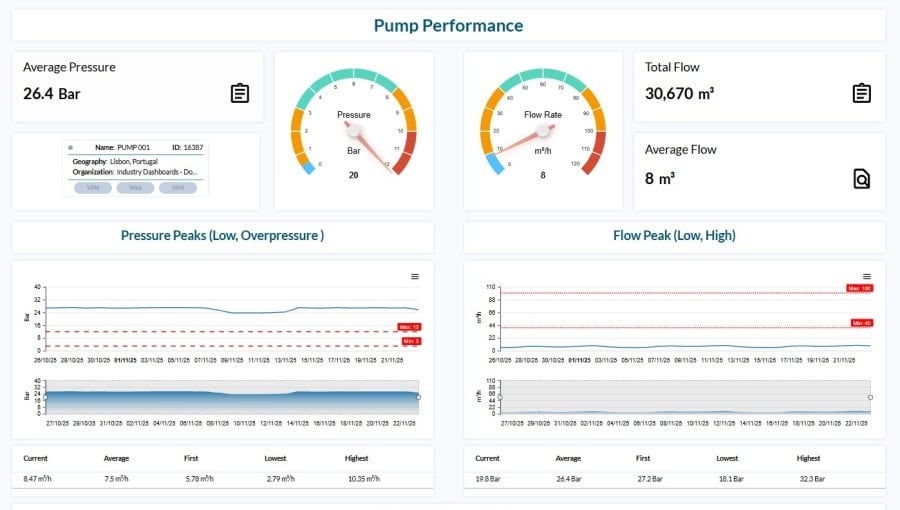
The dashboard enables operators to quickly assess system conditions using intuitive status indicators, showing whether each component is running normally, under service, or requires attention. Key parameters, including pressure, flow rate, and tank level, are continuously monitored, enabling rapid identification of anomalies such as pressure drops, low tank levels, or flow inconsistencies/irregularities.
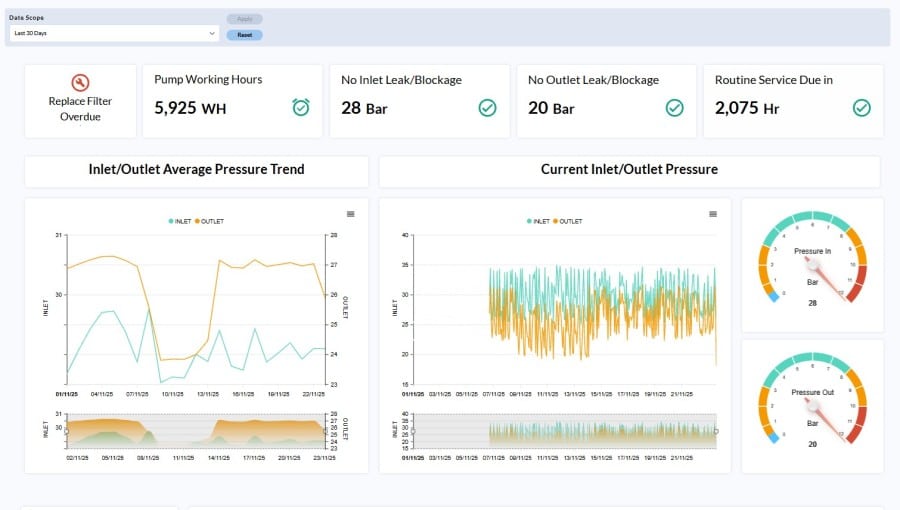
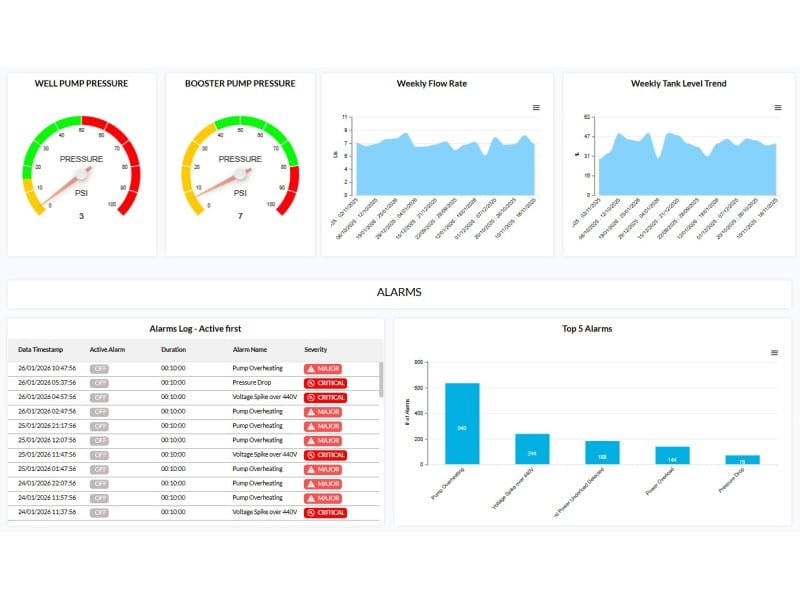
In addition to real-time monitoring, the dashboard supports performance analysis through historical trends and alarm tracking. This allows users to optimize system efficiency, maintain stable operation, and respond effectively to changing demand and system conditions.
Key Benefits
• Maintain stable water pressure across the network.
• Gain full visibility of the system process and operational state.
• Detect early indications of pump or system degradation.
• Prevent downtime through proactive monitoring.
• Optimize energy consumption and pump efficiency.
• Minimize maintenance costs and service response time.
Core Functionalities
• Process Monitoring: Visual representation of system stages with real-time status (Running, Normal, Service, Fault).
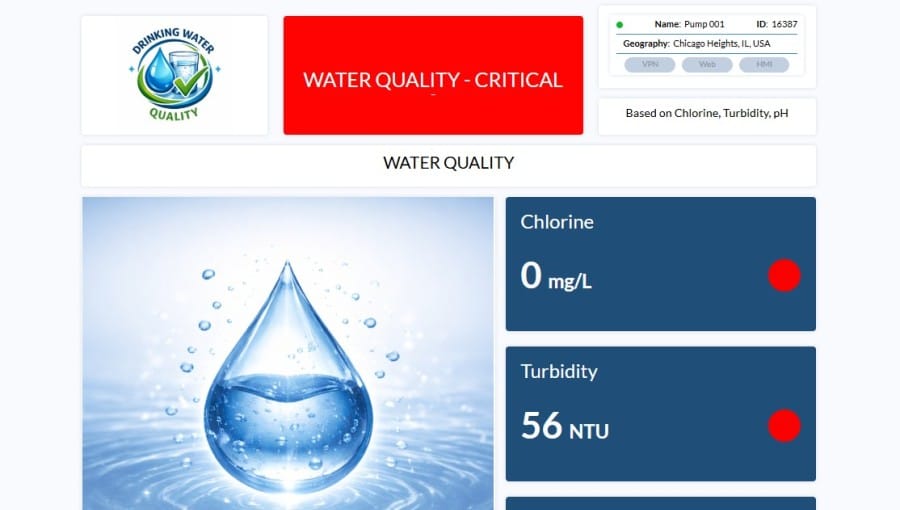
• System Monitoring: Continuous monitoring of pressure, flow rate, and tank level.
• Pressure Control: Maintain optimal booster pump pressure for consistent supply.
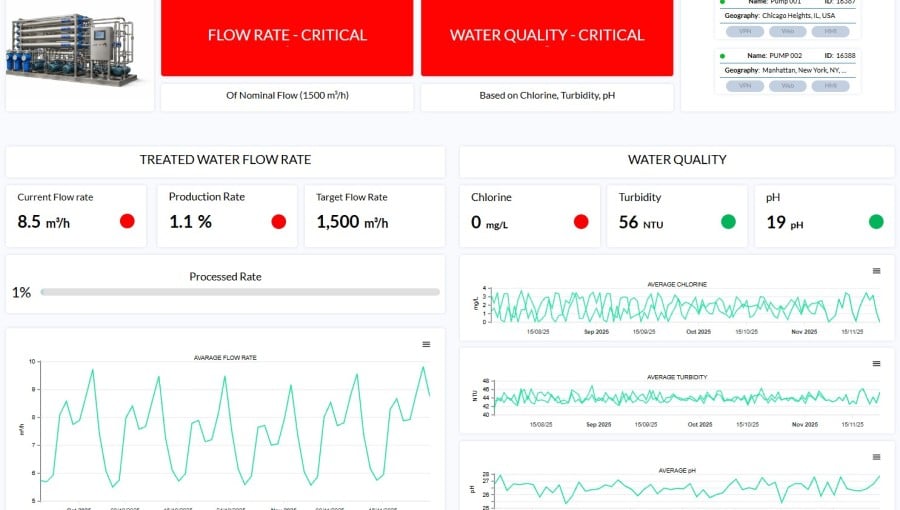
• Flow Analysis: Monitor water consumption and detect anomalies.
• Tank Management: Ensure proper storage levels with min/max threshold alerts.
• Preventive Maintenance: Use historical trends to identify inefficiencies or failures.
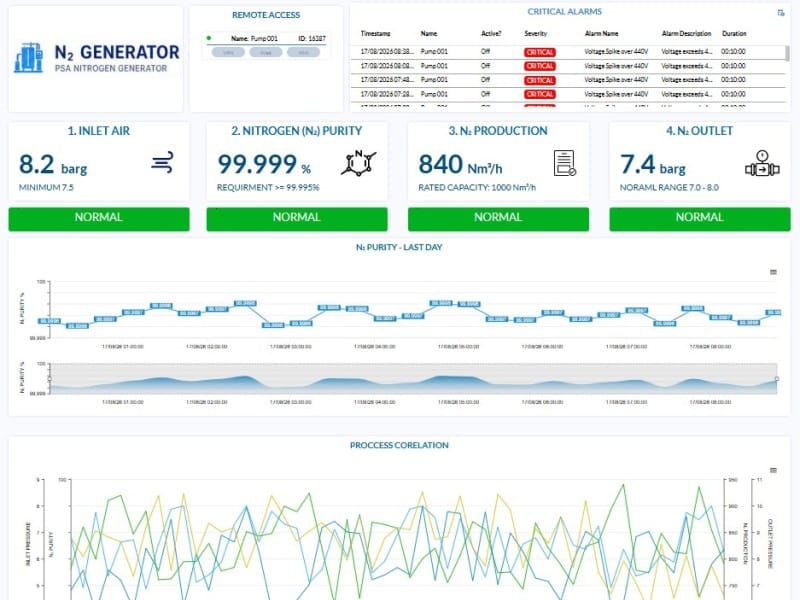
• Alarm Management: Live alerts with severity levels and historical logs.
• Performance Insights: Analyze system behavior through trend analysis.
• Remote Access: Monitor and troubleshoot via web, VPN, or HMI.
• Centralized View: Unified interface for complete system awareness.